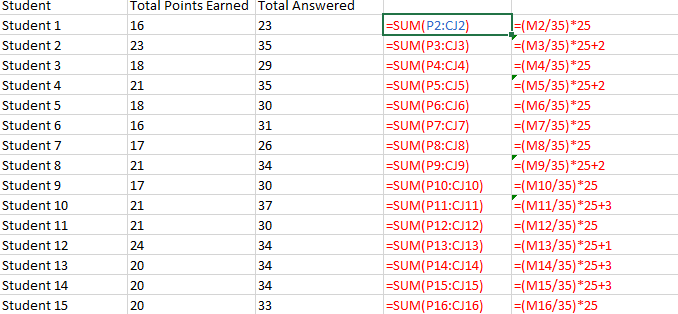
Your colleague just handed you a complex spreadsheet for you to maintain. The first thing you need to know is which cells contain formulas.
The easiest way to display all formulas is to press CTRL + ~ (tilde).
The tilde is on the key to the left of ‘1’.
 I Teach Accounting Information Systems